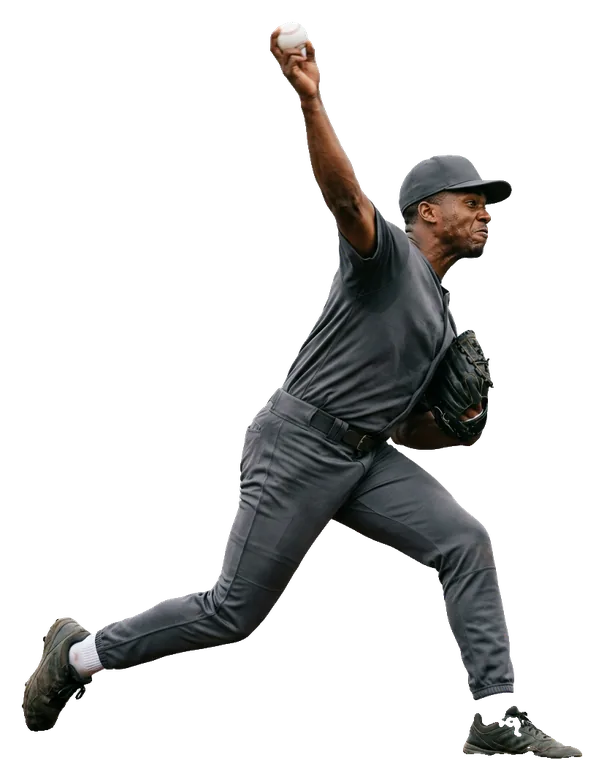
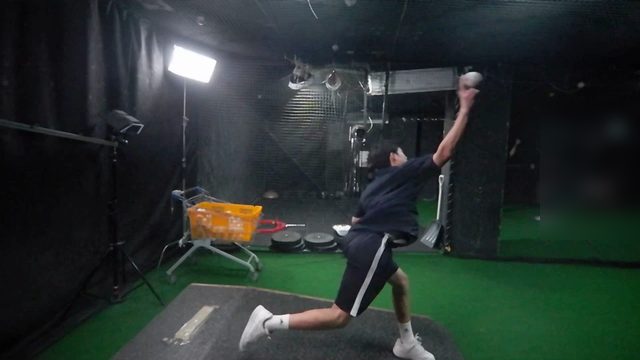
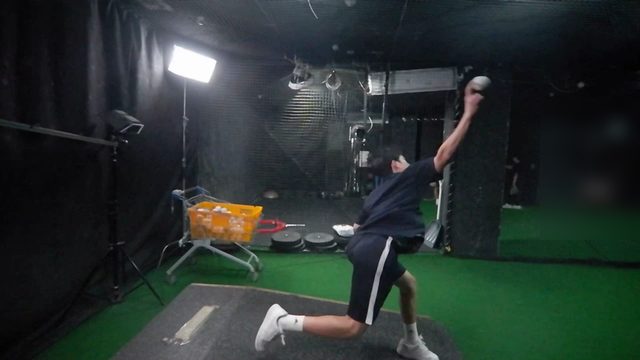
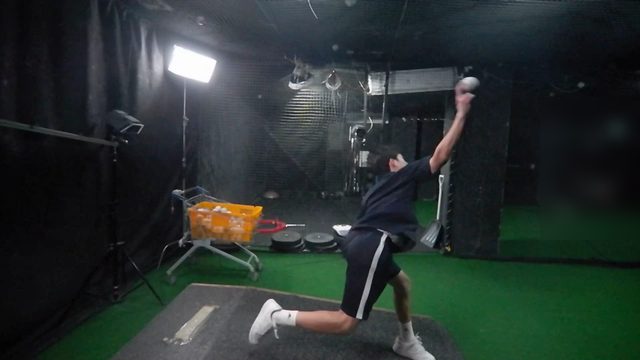
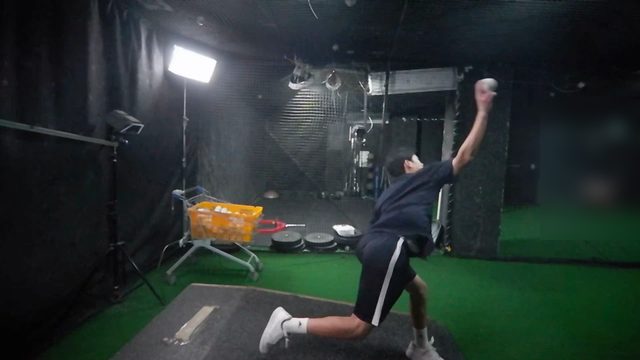
Multi-Angle Performance Intelligence

Capture every angle.
Track every change.

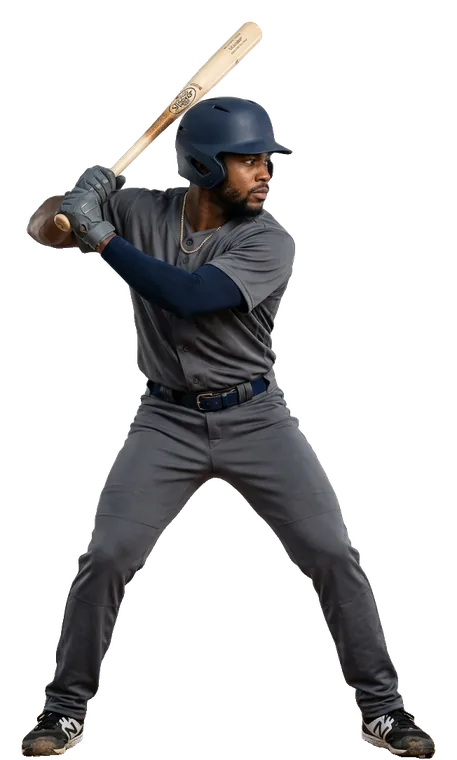
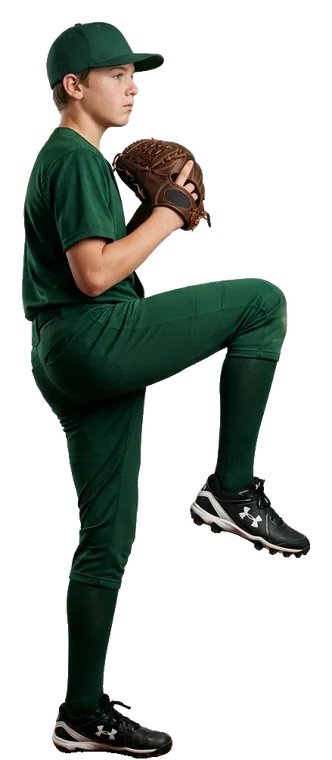
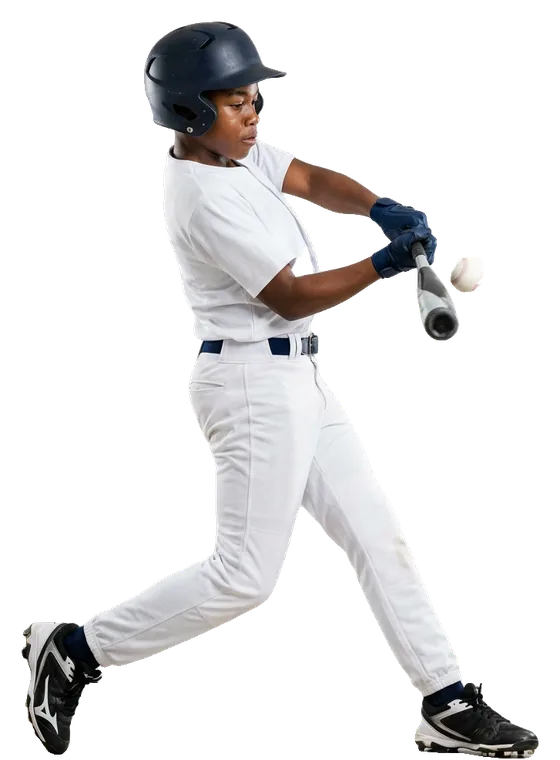
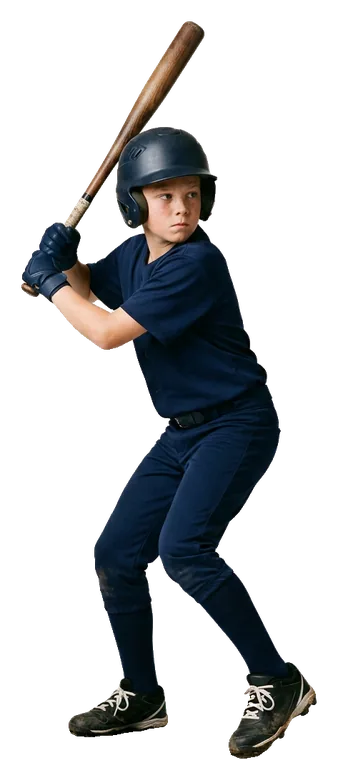
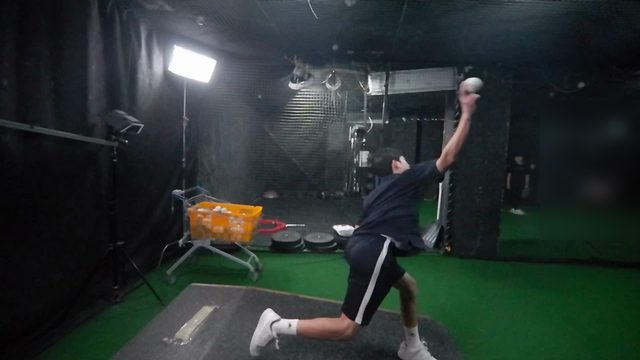
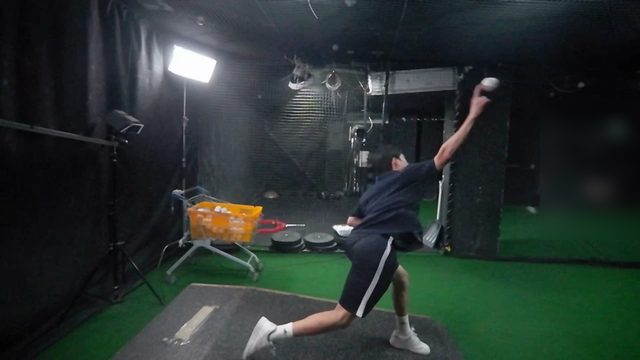
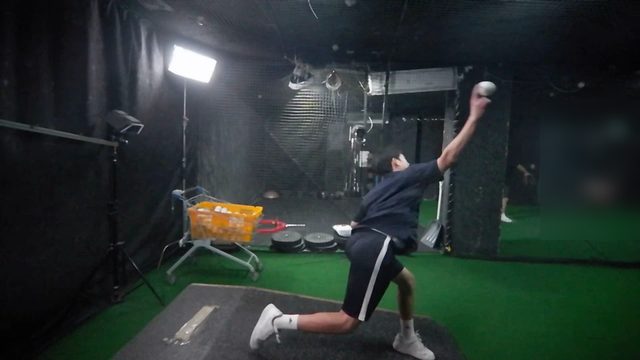
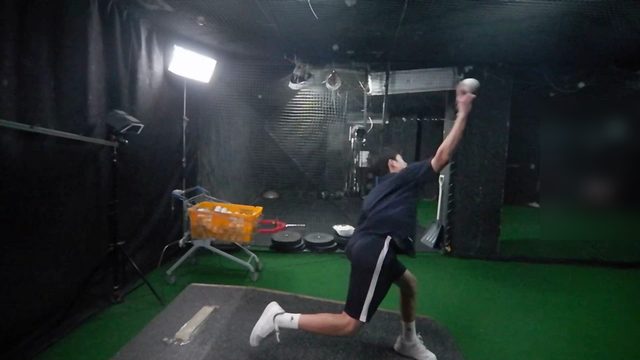
4DTrack captures athlete movement from synchronized multiple angles and builds a motion history that helps coaches measure, compare, and improve performance over time.

Built on the multi-camera technology 4DReplay has run in live broadcast for over a decade.

SESSION 3 · MOTION TRAILS ● TRACKED IN 3D
HITTING · BALL-FLIGHT TRAILS
PITCHING · LOCATION TRAILS
SWING 14 / 18 · AUTO-FILED TO THE ATHLETE SESSION MAX ▲ 264 FT

The 4DReplay heritage — the foundation 4DTrack stands on

10+ years
of live multi-camera broadcast — 4DReplay's track record
170+ venues
where 4DReplay's camera systems have been deployed
Frame-accurate
the broadcast-grade synchronization 4DTrack inherits
4DTrack—is now growing into a specialist system together with its training programs ·its foundation is more than a decade of field experience—4DREPLAY—the same cameras, sync and pipeline, a decade in live broadcast
01 Where 4DTrack sits

Other systems are built around measurement.
4DTrack covers the motion, the result and the analysis.

Ball & result tracking

"Exit velocity was 94 mph."

The number. Precise, and already well served.

4DTrack

"Here is the hip rotation, weight transfer and bat path that produced it — and how each one changed across the season."

The movement, from every angle, across every session.

We don't replace TrackMan or Rapsodo — we add deeper analysis for the facilities that already run them. 4DTrack explains the numbers those systems produce.

02 How it works

Five steps, one athlete record

Cameras are the capture layer, not the product. Everything downstream is what a coach actually uses.

THE SESSION LOOP 01 Capture 02 Track 03 Measure 04 Analyze 05 Improve

01Capture

Multiple cameras, frame-synchronized, recording every rep automatically.

02Track

Athlete identification and body tracking across every session.

03Measure

Joint movement, timing, position — plus data from sensors you already run.

04Analyze

Technique analysis and side-by-side comparison, assisted but coach-led.

05Improve

Session to session, month to month, the change is on record — and the next session starts the loop again.

03 The part nobody else has

Motion history

As the record builds, the direction becomes clear — and tracking keeps it on course.

  • Every session filed under the same athlete, from the first day.
  • Any two sessions compared at the same angle and the same frame.
  • Long-term trends per metric, not a folder of video files.
  • An athlete record that follows the athlete — through the season and beyond it.
SAME ATHLETE · FIVE ABILITIES · ONE SEASON Power Contact Consistency Carry Launch SESSION 1 TODAY · SESSION 41 POWER58 → 84▲26 CONTACT66 → 91▲25 CONSISTENCY42 → 78▲36 CARRY55 → 82▲27 LAUNCH63 → 88▲25 SESSION SCORE 55 → 83
04 The judgment layer

Every session ends with a verdict,
not a spreadsheet

Each session closes with a single score, the change against the previous session, and one sentence a coach would actually say. Raw numbers stay one click below — the list view never makes you do the math.

HITTING · SESSION 12 · 8/22▲ on track
77B+
best 171 ft +6 · 109 swings

"Hip rotation is firing earlier. Next session starts with lower-half drills."

PITCHING · SESSION 11 · 8/22▼ attention
49C
best 57 mph ★ · strike 17%

"Chasing velocity rushed the delivery. Next two sessions: radar gun covered, command only."

GOALS · SET BY THE COACHBY END OF SEPT
Carry 180 ft94%
Strike rate 50%34%

Goals live next to the data — progress bars in state colors, judgment at a glance.

Improving Holding Needs attention Brand red is never a judgment — it marks the brand and the trend line, nothing else
05 Inside 4DTrack

From the full roster
to a single frame — six levels

Redesigned around the athlete. Taking its cue from the American baseball card, every player gets a card of their own that shows what they can do — their best shot of the day and their best number. From the card to the session, the video, the one frame that proves it, the views that explain it, and the AI report that reads it all: every level links to the next.

L1Players

Players — every athlete gets a card

The athlete is the main character, not the video list. Each card carries the player's best shot of the day and the one number that sums them up — max speed for a pitcher, max distance for a hitter — with group, throwing or batting hand, latest session date and session count alongside.

  • The photo picks itself: when a session ends, the card switches to that day's best rep — the fastest pitch, the longest hit.
  • Filter by group — youth, middle school, adult, women — and by left or right hand.
  • AI Report on every card opens the athlete's full analysis. A red frame means that athlete is on camera right now.
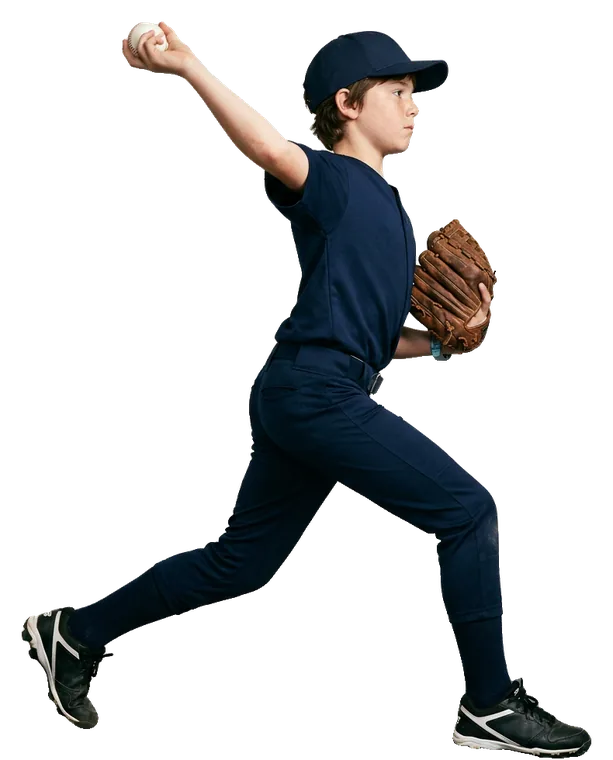
PLAYERS · SESSIONS · VIDEOS
Players32Search nameRecent ▾
All32Youth18Middle6Adult5Women3 Right26Left6
Jake Miller
AI Report
MAX SPEED52mph
YouthThrows R2026.10.0414 sessions
Marcus Johnson
AI Report
MAX DISTANCE278ft
AdultBats L2026.10.049 sessions
Tyler Brooks
ON AIR AI Report
MAX SPEED70mph
MiddleThrows L2026.10.0521 sessions
Darius Williams
AI Report
MAX DISTANCE191ft
MiddleBats R2026.10.0311 sessions
Caleb Anderson
AI Report
MAX DISTANCE171ft
YouthBats R2026.10.0312 sessions
Andre Thompson
AI Report
MAX SPEED76mph
AdultThrows R2026.10.026 sessions
Jake Miller
MAX SPEED52mph
YouthThrows R14 sessions · 1,186 videos
AI Overall Report
Session 142026/10/04SUN16:02–17:10
AI Session Report
Pitches86
Max52mph
Avg48
Min44
Strike58%
Session 132026/09/27SUN15:48–16:51
AI Session Report
Pitches74
Max51mph
Avg48
Min43
Strike54%
Session 122026/09/19SAT16:10–17:02
AI Session Report
Pitches69
Max50mph
Avg47
Min42
Strike49%
L2Sessions

Sessions — one athlete, one row per session

Open a card and the athlete's banner leads: name, best number, group and hand, sessions and videos. Below, every session is one row — the photo from that day, date and time, pitch count, max, average and minimum speed, strike rate and a nine-zone map.

  • Every row has its own photo: the athlete's best rep from that session.
  • AI Session Report on every row. The AI Overall Report on the banner holds the season's growth curve.
L3Videos

Videos — one session, as it was recorded

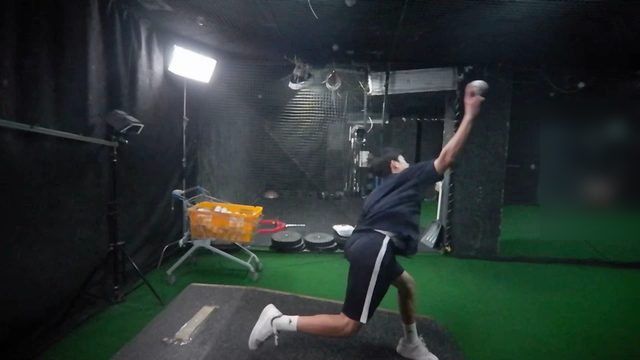
One session, every video. The header carries that day's photo and the AI Session Report; below, the videos keep their pitch order. The best ones are marked where they stand — never pulled to the top — so the session reads the way it was coached.

  • Each video shows its number, time and result — speed for a pitch, distance for a swing.
  • Tap a video and the multi-angle player opens on it.
Session 102026/09/23WED19:52–20:26 · 22 pitches
AI Session Report
#9
61mph20:04:28
#8
55mph19:59:29
#7
59mph19:59:18
#6
56mph19:59:06
#5
62mph19:58:06
#4MAX
64mph19:53:20
#3
62mph19:53:08
#2
60mph19:52:56
#1
61mph19:52:44
PLAYERS › ADULT › 2026.09.23 › #22● MOTION · 4 CAMERAS
CAM 04 · RIGHT59 mph
MOTION01040506RESULT0203
‹ PREV REP ROTATE · SLOW · SNAPSHOT · DRAW NEXT REP ›
L4Player

The player — four cameras for the motion, two for the result

Six synchronized cameras split the work. Four watch the body, so the coach can analyze the motion; two look down the line of the pitch, so the result is measured, not guessed. It is the multi-angle player our broadcast clients have used for a decade — rotate, slow down, snap a frame, draw — now keeping both in the athlete's record.

  • Motion — left, right, front and top: stride, balance and upper-body angle, frame by frame. More views can be added for each sport.
  • Result — pitcher's and catcher's view: the ball's flight from the mound to the plate and where it crossed the nine-zone. More views can be added for each sport.
  • Every camera is frame-aligned, so a change in the motion is checked against the result of the same pitch — and the AI Session Report reads both.
L5Result & motion views

Two eyes on the result, one trace of the motion

Every session also comes back as two films and a trace. The result cameras play every pitch back to back at real speed — from behind the pitcher and from behind the catcher — and leave each arrival on the nine-zone. The motion trail keeps only what moved during the delivery, so the shape of the motion can be read at a glance.

  • Pitcher's view (CAM 02) and catcher's view (CAM 03): each pitch lands on the nine-zone and stays there — white for a strike, red for a ball.
  • Motion trail, left and right views: a string of dots for the ball, a fan of afterimages for the body.
  • Both sit in the AI Session Report next to the numbers they explain.
PITCHER'S VIEW · CAM 02CATCHER'S VIEW · CAM 03
MOTION TRAIL● TRAIL
LEFT VIEW
RIGHT VIEW
L6AI Reports

The record, read for you

Measurements alone don't coach. Every session comes with an AI report that connects the motion to the result — and from the second session on, an overall report shows where the athlete is heading. Web view, PDF with a QR code back to the live report, or a link to share.

AI Session Report — every session, read and explained

Six chapters for every session: the record in 3D with the pitcher's and catcher's view and the motion trail; a 0–100 score on five axes with the change from last time; velocity, command and release angle; the motion at leg lift, foot plant and release; a multi-angle review; and AI coaching with correction points and next-session drills.

↓ Sample AI Session Report (PDF, 10 pages)

AI Overall Report — the whole season in one view

From the second session on, every session of the athlete in one report: the score trend and a skill radar of all sessions, personal bests and growth from the first session to the latest, velocity and strike-rate trends, the first and latest best clip side by side, and the next priorities.

↓ Sample AI Overall Report (PDF, 6 pages)

Player cards and names are AI-generated. The session videos (L3–L5) and the AI report samples are real 4DTrack output from adult members, shown with permission and with names removed.

06 Built for technique-intensive sports

More than baseball

The structure — athlete, discipline, session, rep — is sport-agnostic. Moving to a new sport swaps the metric dictionary, not the product.

GymnasticsSnowboard halfpipeBaseball pitching & hitting GolfFigure skatingDiving TennisTrack & field jumps and throwsPit crews & team drills
SportA rep is…Disciplines per athleteHeadline metrics
Baseballone swing / one pitchhitting · pitchingdistance, bat speed / velocity, strike%
Gymnasticsone routine attemptvault · bars · beam · floorexecution & difficulty
Golfone shotswingcarry distance, club speed
Snowboard / Skione run, one trickhalfpipe · slopestyleair, rotation, landing
Team drillsone stop, one drillcrew positionsdrill time by position
01

Technique drives the result.

02

The same movement is repeated in training.

03

One camera angle is not enough to judge it.

04

Comparing past to present is how coaching happens.

07 Live sample sites

See it on real footage

Every tile opens a live multi-angle sample site — the same players and clips our live deployments use. The first click asks you to sign in (free) and brings you straight back.

⚾  Baseball Academy · live deployment

bbadda — pitch & bat training, multi-angle

Interactive replays and AI session reports for academy players. The batting cage and the pitching field run as separate programs under one academy.

Both open on the player cards shown above, and recorded sessions can be watched without signing in.

Each sport tile opens its own live site at <sport>.4dtrack.com.

08 Who it's for

Programs that already measure

Elite & high-performance programs
  • NCAA teams
  • National teams and federations
  • Olympic programs
  • Professional teams
  • Elite academies
Training facilities
  • Baseball academies
  • Gymnastics facilities
  • Golf academies
  • Performance centers
  • Snow and skating training centers

A professional system, used by coaches, athletes, performance directors and sports scientists — and built for the level of professional teams and Olympic athletes.

09 FAQ

The questions facilities ask first

Is 4DTrack a baseball product?

Baseball hitting and pitching are where we run today, and the structure — athlete, discipline, session, rep — carries to any sport. Wherever technique decides the outcome and one camera angle can't settle the question, 4DTrack fits: gymnastics, golf, snowboard, figure skating, diving, and more.

Does it replace TrackMan or Rapsodo?

No — and it isn't meant to. Result trackers tell you the number; 4DTrack shows you the movement that produced it, from every angle, across every session. Facilities already running result trackers are our best fit.

Do coaches have to tag or file anything?

No. The cameras record every rep automatically, and every session is filed under the same athlete from the first day. The coach's job stays coaching — the record keeps itself.

What does an athlete's family get to see?

Exactly what the coach shares: a read-only link with the growth curve, highlight clips, and the coach's note. No login, no access to other athletes, built for a phone.

How does a demo work?

A 30-minute walkthrough with our team in San Mateo or online. Tell us the sport and the facility — we'll map camera placement to your actual training space and show the product on movement like yours, not a canned reel.

Request a demo

See a season of motion history for one of your athletes.

Tell us the sport and the facility. We'll show you how 4DTrack captures, tracks, and compares — using movement like yours, not a canned reel.

  • 30-minute walkthrough with our team in San Mateo or online.
  • We'll map camera placement to your actual training space.
  • Already running TrackMan or Rapsodo? Bring your data questions.

We reply within one business day. No mailing lists.